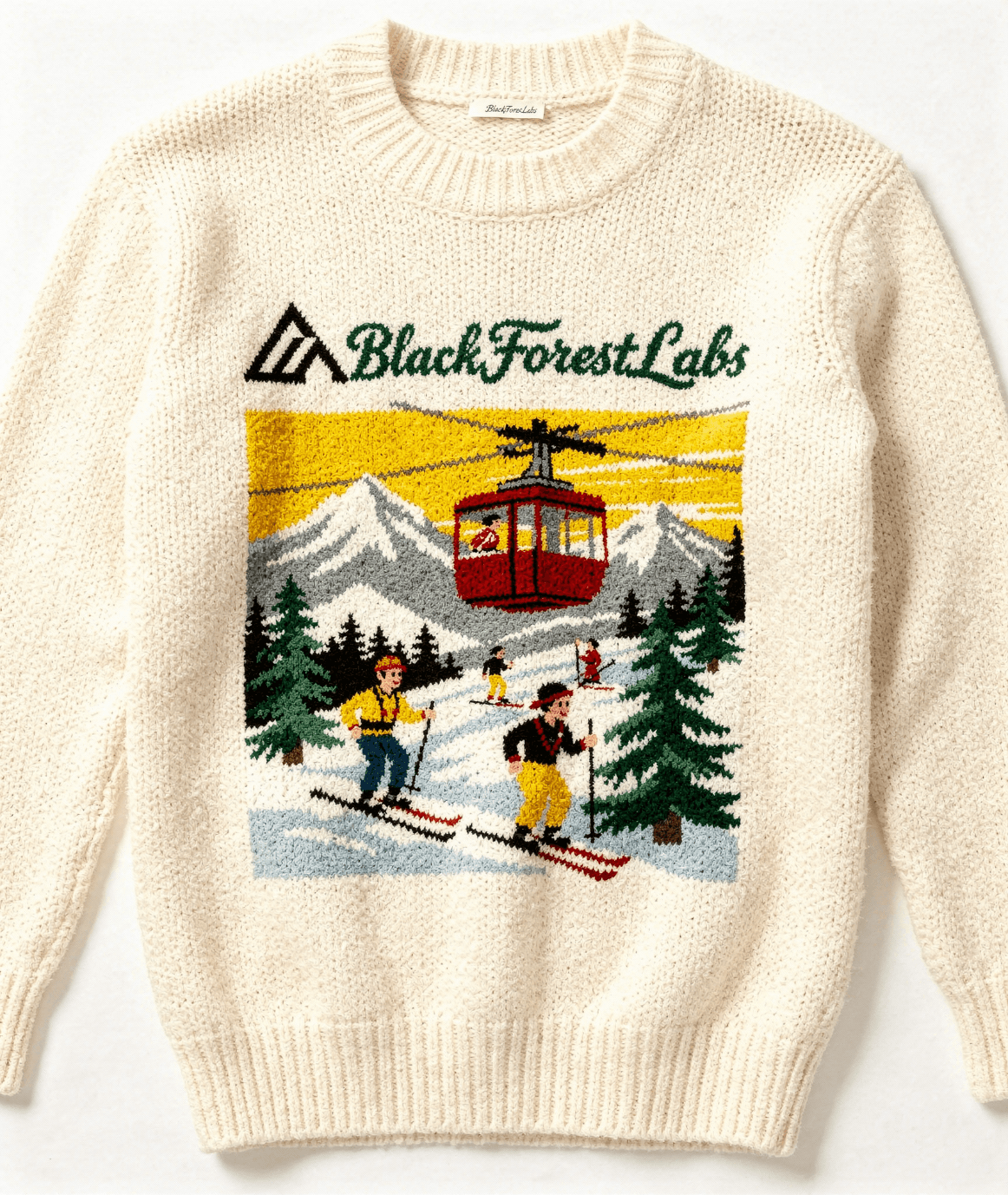
Quick Summary: Officially released by Black Forest Labs in late 2025 and updated in early 2026, Flux 2 Pro is the production-grade flagship of the Flux.2 family. It marks a significant departure from "generative art" toward "visual intelligence," offering native 4MP resolution, precise HEX code color matching, and a revolutionary multi-reference system that locks in character identity without complex LoRA training.
🚀 Tool Snapshot (2026 Edition)
| Feature | Details |
| Developer | Black Forest Labs (The team behind Stable Diffusion) |
| Pricing | ~$0.09 per image (API-based on Verda/Fal) |
| Max Output | 4.0 Megapixels (Highly detailed 2K/4K renders) |
| Input Tech | JSON-based prompting & Multi-image referencing |
| Core Advantage | "Editorial Realism" & 10-image character locking |
| Variants | Pro (Flagship), Flex (Customizable), Klein (Fast/9B), Dev |
📝 2026 Review: The End of the "AI Look"
In early 2026, the industry has reached a consensus: Midjourney is for vibes, but Flux 2 Pro is for work. The model has effectively eliminated the "synthetic skin" and "melted anatomy" artifacts that plagued earlier AI generations. Its output now rivals high-end studio photography—not just in lighting, but in material physics.
The real "killer feature" for 2026 is the Multi-Reference System. Unlike the clunky face-swapping tools of 2024, Flux 2 Pro allows you to upload up to 10 reference images—a face, a product, a camera angle, and a lighting setup—and fuse them into a single, consistent narrative shot. For brand agencies in Irvine and beyond, this means "One-Click Character Consistency" is finally a reality.
✅ The Pros
- Surgical Color Control: Supports HEX codes in prompts. If your brand uses
#FF5733, the AI renders that exact shade with zero approximation. - Cleanest Hands & Anatomy: The most stable model in the market for complex poses, jewelry, and intricate fashion accessories.
- Hyper-Detailed Text: Capable of rendering pixel-perfect UI mockups, infographics, and tiny product labels in multiple languages.
- JSON Prompting: For pro developers, the move to structured JSON prompts means every element—from lens depth to subject placement—can be programmatically controlled.
❌ The Cons
- Cost Factor: At roughly $0.09 per image, it’s significantly more expensive than "Schnell" or local open-weights models.
- Hardware Demands: While optimized, running the full Pro-level quality locally still requires high-end NVIDIA RTX GPUs (FP8 quantization helps, but it's still heavy).
- Safety & Ethics: Like its predecessors, it has a "hands-off" approach to some content, meaning it lacks the aggressive corporate guardrails of Adobe Firefly.
💡 Best Use Cases in 2026
- For High-End E-commerce: Rendering products in consistent lighting across dozens of lifestyle environments while maintaining exact brand color HEX codes.
- For Pro Filmmakers: Using the 4MP output and 10-image reference system to create "locked" character sheets and storyboards for production.
- For UI/UX Designers: Generating functional high-fidelity mockups with readable text and accurate spatial reasoning.
❓ Frequently Asked Questions (FAQ)
Is Flux 2 Pro better than Midjourney v7?
For artistic exploration, Midjourney still holds the crown. However, for professional control, specific character consistency, and 4MP production output, Flux 2 Pro is currently unmatched.
Can I run it locally?
The Flex and Klein variants are better suited for local consumer GPUs (~13GB VRAM). The full Pro model is best accessed via cloud APIs like Verda or Fal.ai to maintain maximum fidelity.
🔄 Top 3 Flux 2 Pro Alternatives (2026)
- Nano Banana Pro: Google’s conversational editor—best for iterative refinement and "Photoshop-style" instruction-based editing.
- Recraft V3/V4: The #1 choice for vector-based logos and SVG exports with massive benchmark scores on HuggingFace.
- Ideogram 2.5: Still the strongest competitor for creative typography and poster-style layouts.
 Black Forest Labs